A simple timer that alerts your contacts if you don't check in.
Set a timer before a solo hike, a late-night drive, or anything else. If you don't mark yourself as safe in time, your chosen contacts are notified automatically.
How it works
Create a timer
Enter what you're doing, where, and when you expect to be back.
Add your contacts
Choose who should be notified if you don't check in.
Confirm your email
Activate your timer with a quick email confirmation.
Mark yourself safe
When you're done, tap "Mark me as safe." If you don't, your contacts are notified.
Who it's for
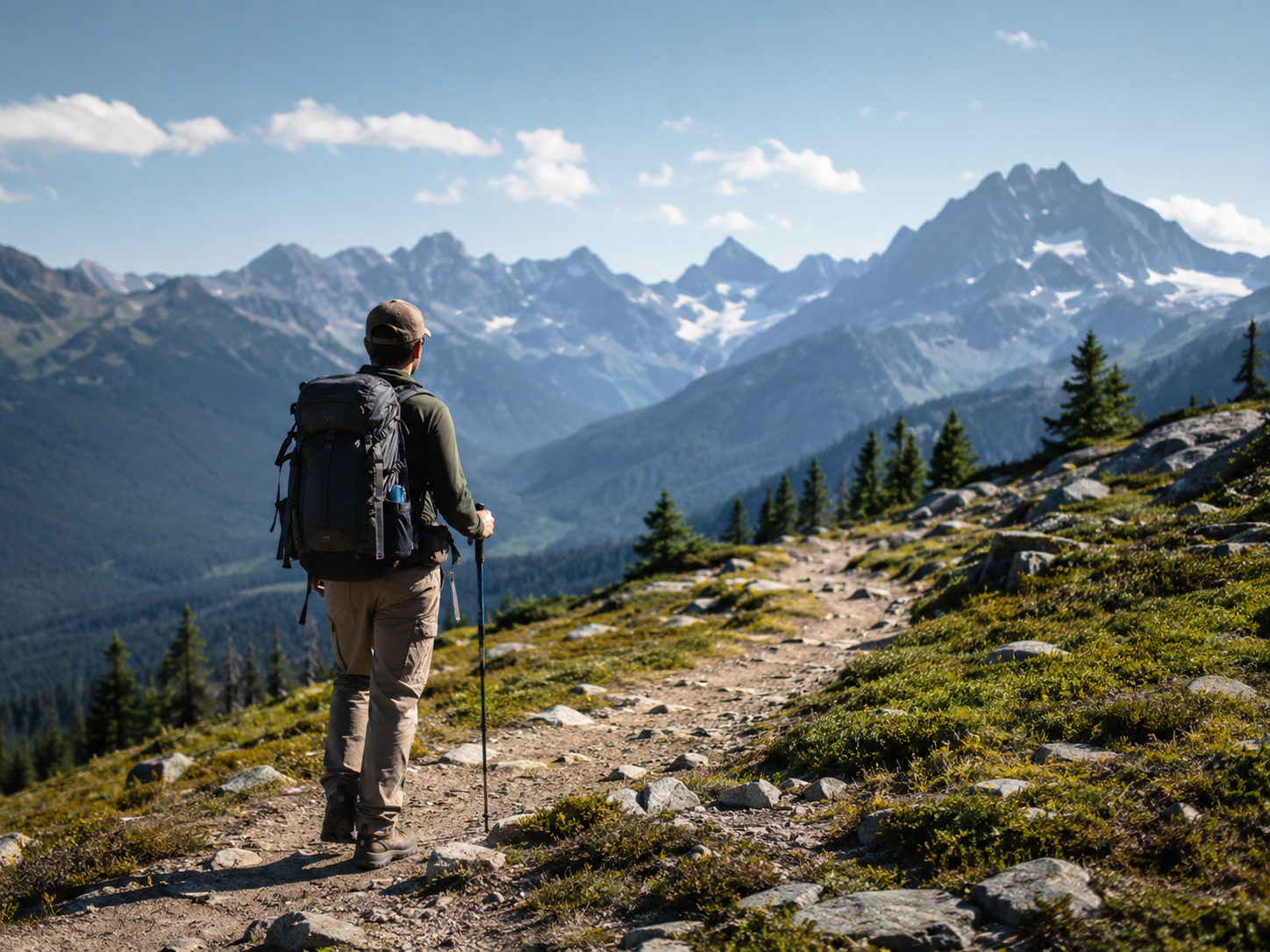
Solo hiker
Heading out alone on the trail? Set a timer so someone knows if you don't return.
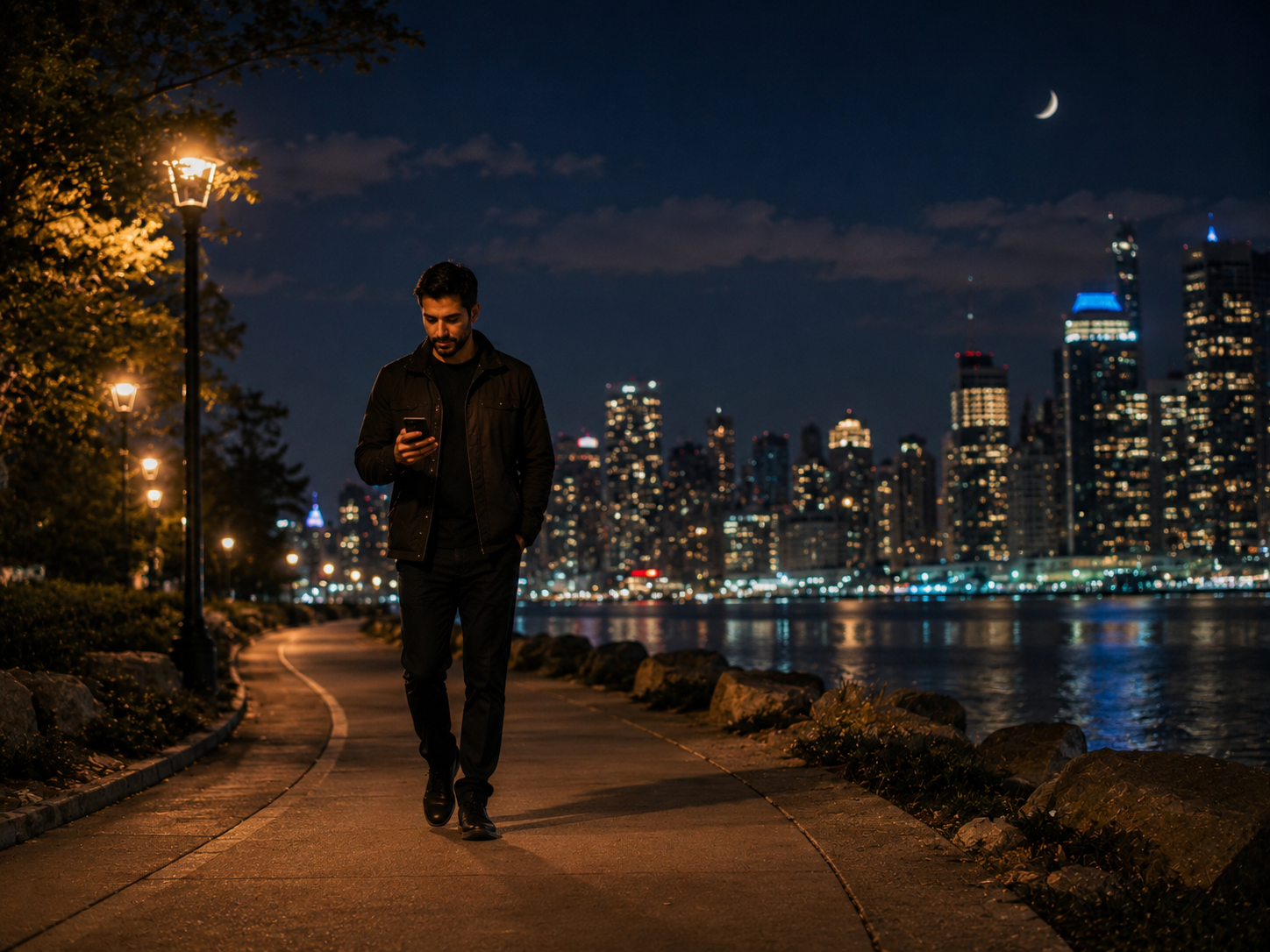
Late-night walk
Walking home late by yourself? Let someone track your expected return time.

Travelling alone
Flying solo in a new city? Give your family peace of mind.

Meeting a stranger
Coffee with someone you met online? Have a safety net.
Your contacts are only notified when it matters
Your contacts receive no emails until your timer expires — or until you manually trigger an alert. No spam. No unnecessary notifications.
✅ Contacts are notified only if your timer expires without check-in
✅ Or if you manually trigger the alert yourself
✅ No account required — works entirely via email
✅ No data sold, no tracking